
How Elsy works
Download the app, say hello, and Elsy takes it from there. Here's what to expect, step by step.
Setting up Elsy for a parent or someone you love? See how that works.
Getting started takes a few minutes.
Install Elsy and start talking. She asks your name, your language, what you enjoy, what you'd like help keeping track of. The more you tell her, the more personal she feels from the first conversation.
Reminders don't need setting up: mention a doctor's appointment or a pill schedule, and Elsy keeps track from there.
If you want family involved, invite them from Your circle. You choose what each person sees, and you can change it anytime.

Every day: just a conversation.
Open the app and tap one button. That's it. No menus, no settings, no passwords. Elsy greets you by name and talks.
It might be about your day, a memory from years ago, or what's coming up this week. When you tell Elsy about your past, she writes it up afterwards as a short story, with your own words as quotes, to read, listen to or send to your family. Over time, Elsy gets to know you: your stories, your preferences, your rhythms. If a reminder is due, she brings it up in the conversation.
The more you talk, the less Elsy feels like technology and the more she feels like a familiar voice.
For your family: the dashboard.
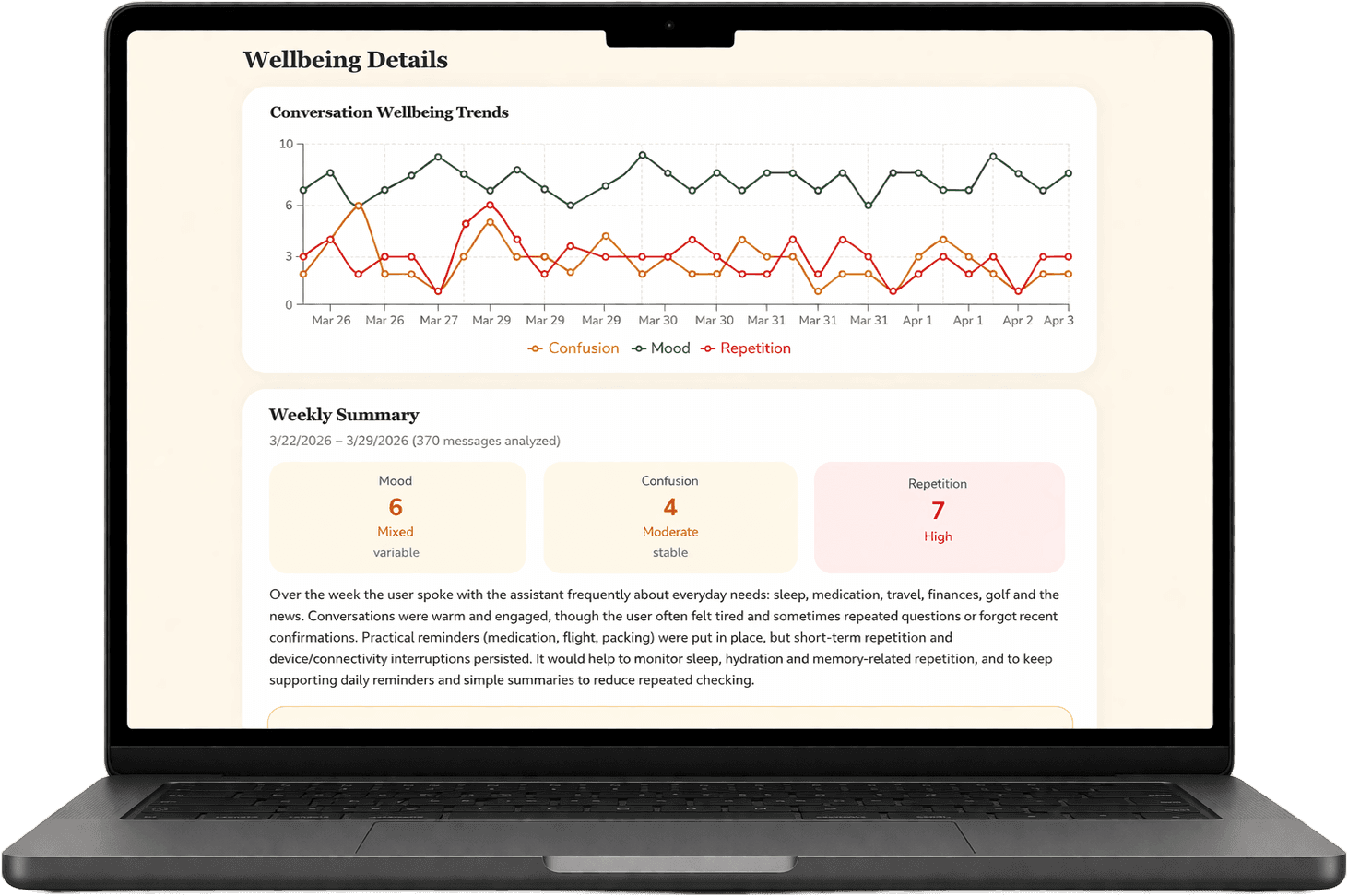
The family you invite get a daily picture of how you're doing. Not transcripts, but wellbeing summaries that keep them in the loop while your conversations stay yours. When you share a life story with them, they can read it and listen to it too.
You decide what each person sees, from an alert-only safety net up to a hand with your reminders and medications, and at the highest level what Elsy remembers about you. If a conversation suggests a concern, the people you chose get a heads-up.
“Your family stays in the loop, without reading your conversations.”
Designed for people, not screens.
Plenty of technology seems built for someone else: small buttons, endless menus, one more password. Elsy is built the other way around.
There's nothing to learn. No screens to navigate, no passwords. You tap one button and talk. If you can have a phone conversation, you can use Elsy.
And because Elsy is voice-first, there's no typing and no reading small print. The technology disappears. What's left is just a conversation.

For family: setting it up for someone you love
Plenty of people come to Elsy for a parent, a partner, or a friend. Here's the same journey from your side.

Start in the app
Download Elsy on your own phone and choose "For a parent or loved one." Tell Elsy about them: their name, their language, what they enjoy, what they'd like help keeping track of. Add reminders for medications or appointments if you like.
Hand it over
Install Elsy on their phone, or open it together. She already knows who they are and greets them by name. They say yes to sharing on their own screen, and there's no account or password for them to manage.
Stay in the loop
Your dashboard shows wellbeing updates and trends, never transcripts, and the life stories your parent shares with you. You can help with reminders and medicines, and share key facts with Elsy so she gets the important things right. At the highest sharing level, you also see what Elsy remembers about them.
Wondering who pays for what? See pricing: you can cover everything, or split it between you.