
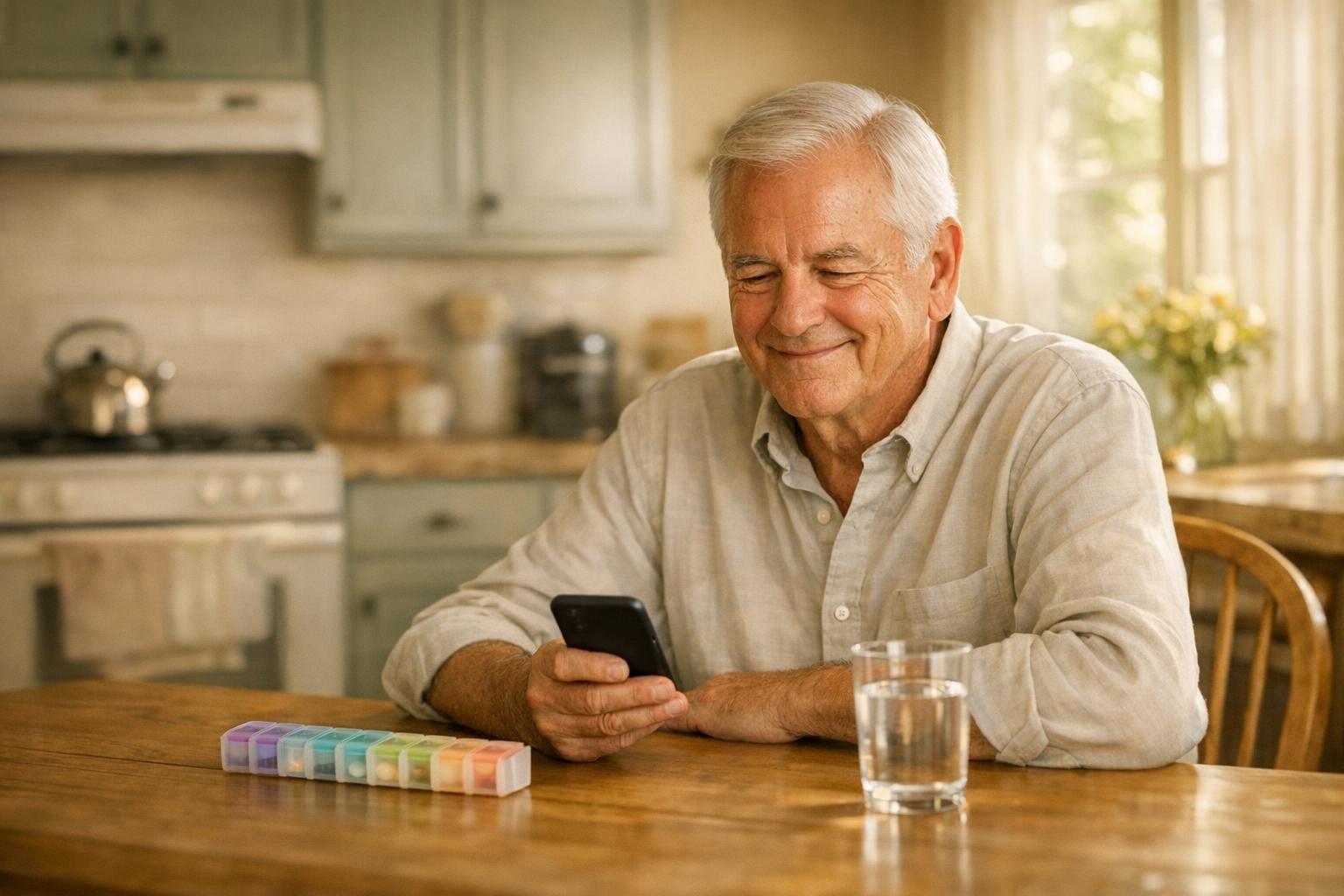
What is the best medication reminder app for seniors?
There is no single best medication reminder app. It depends on whether you'd rather tap or talk. The iPhone Health app has free medicine reminders built in, MyTherapy and Medisafe are apps made just for medicines, and Elsy, an AI companion, lets you set up your medicines by telling her what you take.
A medication reminder app does two jobs. It tells you when a dose is due, and it keeps a record of what you took, so you don't have to wonder at lunchtime whether you had the morning pill. Both jobs get harder as the list grows, and for many people it does grow. In survey data from 2017 to March 2020, 43.0% of U.S. adults 65 and older had taken five or more prescription drugs in the past 30 days, up from 33.3% in 2001 to 2004, according to the CDC's National Center for Health Statistics.
What a medication reminder app does
You enter each medicine and the times you take it. When a dose is due, your phone shows a notification, and you tap to say you took it or skipped it. If the record matters most to you, this is what people mean by a medication tracker app: it keeps a history of the doses you confirmed, which you can show your doctor.
Your doctor and pharmacist set the dose. The app holds the schedule you agreed with them, so all you do is answer the notification.
What to look for if small buttons and typing are a bother
Most of the work in a pill reminder app is the setup. Check these before you pick one:
- How you add a medicine. Typing names and times into a form is the fiddly part. Some options let you say it out loud.
- Whether you'll hear it. A notification is easy to miss if the phone is on silent or in another room.
- What happens if you miss one. Does it ask again later?
- Courses that end. A ten-day course should stop reminding you on day eleven by itself.
- Help from family. Can someone you trust help keep your list right?
- The cost after any free trial.
If you'd rather talk to a speaker in the kitchen than look at a phone, read whether Alexa is a good fit for seniors.
The free option already on your phone
On an iPhone, the Health app has a Medications section. Apple added it in iOS 16, announced in June 2022. There you can build a list of your medicines, set schedules and reminders, and keep track of medicines, vitamins and supplements. According to Apple Support, your iPhone, iPad and Apple Watch can alert you when it's time to take the medicines on your schedule. You turn this on under Medications, then Options and Dose Reminders. Apple also offers a follow-up reminder if a dose hasn't been logged 30 minutes after the first notification. It costs nothing extra, because the Health app comes with the phone.
On an Android phone, Google says you can ask the Gemini app to add, change and show reminders in Google Tasks. On a Galaxy S25 or later, and on some other Samsung phones with One UI 7 or later, it works with Samsung Reminder too. These are ordinary reminders, not a medicine list. Google's help page also warns that Gemini can get things wrong, so open the reminder it made and check the time.
For everyday reminders beyond medicines, see our list of reminder apps for seniors.
Popular medication apps compared
MyTherapy and Medisafe are two apps made only for medicines.
MyTherapy says it is free to use and always will be. It reminds you about tablets, pills and other medicines, and also about measurements, doctor's appointments and symptom checks.
Outside the U.S., Medisafe became a fully paid app on January 1, 2026. Its help center says that after a 14-day trial, Premium costs $4.99 a month or $39.99 a year (in U.S. dollars). That page doesn't cover the U.S., so if you live there, check the price in the App Store or Google Play.
| Option | What it reminds you about | Cost |
|---|---|---|
| iPhone Health app | Medicines, vitamins and supplements | Free, built in |
| MyTherapy | Medicines, measurements, appointments, symptom checks | Free, according to MyTherapy |
| Medisafe | Medicines | Paid outside the U.S. after a 14-day trial |
| Elsy | Medicines, appointments and anything else you ask for, set up by voice | Free to try for 3 days, then a paid subscription |
Setting up medicines by voice
Elsy is an AI companion for older adults that you talk with on your phone. There is no form to fill in. You tell her: "I take one tablet every morning after breakfast and one at night." She adds the medicine and sets the times. If you don't know the name, she saves it as something plain like "Evening medicine" and renames it when you tell her. For a course that ends, say "for ten days." After the last day, the medicine comes off your list and the reminders stop.
When a dose is due, a notification arrives on your phone with its usual sound. If you don't answer, the app asks again about 5 and 15 minutes later, with buttons for Taken and Skip. You can also say "I took my morning tablet" in a conversation and she records it, or ask "what's on for me today?" and she reads out the day's reminders and medicines. If the box is easier to show than to say, tap Send photo during a chat. She reads the details back to you and waits for your yes before she saves them. Read more about how reminders and routines work in Elsy.
Keeping a list your pharmacist and family can use
Whatever app you choose, keep a written list too: each medicine's name and strength, how much you take and when, what it's for and who prescribed it. Add vitamins and anything you buy without a prescription. Bring the list to appointments, and ask your pharmacist to look it over when something changes. There are more tips in how to keep track of medicines and appointments.
If a family member helps with your medicines, they can help in Elsy too. Someone you set to Care partner in Your circle can see your reminders and medicines and help keep them up to date.
How to choose in five minutes
- If you have an iPhone and tapping is easy, start with the Health app. It's already there.
- If typing names is the hard part, try setting your reminders by voice.
- Try one app with one medicine for a week before you move everything over.
- Check the cost after the trial in your country's app store.
A reminder app is one of several memory aids for everyday life, along with a big clock and one calendar.
Frequently asked questions
Is there a free medication reminder app?
Yes. On an iPhone, the Health app's Medications section is built in and free. MyTherapy says its app is free to use.
Does the iPhone have a built-in medication reminder?
Yes, since iOS 16. Add your medicines in the Health app, then turn on Dose Reminders under Medications and Options.
What is the easiest medication reminder app for seniors?
The one that matches how you use your phone. If tapping is easy, the Health app or MyTherapy will do. If typing puts you off, Elsy lets you say what you take.
Can a family member help with my medication reminders?
In Elsy, yes: a family member at Care partner in Your circle can see your reminders and medicines and help manage them. For other apps, check the app's description for a sharing feature.
Do I need a smartwatch for medication reminders?
No. Apple's medicine alerts work on an iPhone or iPad as well as an Apple Watch. Elsy runs on iPhone, iPad and Android, with no watch needed.
How to get started
- Download Elsy from the App Store or Google Play, open it and tap Talk.
- Tell Elsy what you take and when: "I take one tablet every morning at eight."
- When your phone asks whether Elsy may send notifications, tap Allow.
See how Elsy works, step by step. You can try Elsy free for 3 days.
This is general information, not medical advice. Every situation is different, so talk to a doctor about yours.
Sources
- Apple Support: Add and log medications with iPhone, iPad, and Apple Watch
- Apple Newsroom: Apple unveils new ways to share and communicate in iOS 16
- Gemini Apps Help: Capture your tasks & reminders with Gemini Apps (Android)
- MyTherapy: Medication Reminder and Pill Tracker App
- Medisafe Help Center: Medisafe Is Now a Fully Paid App for Users Outside the U.S.
- CDC National Center for Health Statistics: Prescription Drug Use (Health, United States)